
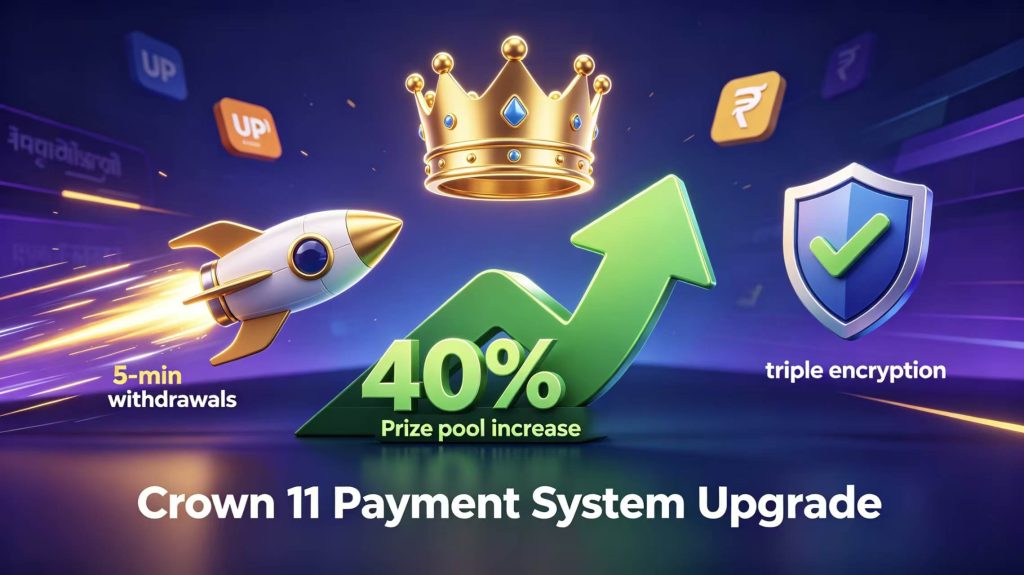
We just updated the Crown 11 payment system.
This is one of the biggest improvements we have made so far. If you play on Crown 11, you will notice the difference immediately – better security, faster withdrawals, and bigger rewards.
Let me walk you through what we changed.
First, Your Money Is Now Triple Locked
Security was our top concern.
We added triple encryption to the entire payment flow. Here is what that really means. Your data gets encrypted when it leaves your phone. Then again while it sits in our system. And a third time during the final transaction.
Three separate locks.
On top of that, we introduced fund insurance for key transactions. Something rare goes wrong with a major payment? We cover it. You do not lose your money.
For those of you using the Crown 11 Box Plus version, your account gets enhanced security as a standard feature. Not an add‑on. Just part of the package.
You can now play without worrying about your funds.
Withdrawals – Finally, Fast
We heard you. Waiting for withdrawals was the number one complaint.
So we built a priority withdrawal channel specifically for Plus users. We call it “Express Financial Services.”Fancy name, simple idea: your withdrawal skips the line.
How fast? As fast as 5 minutes.
Yes. Five minutes. Not hours. Not “we will process it tomorrow.” Five minutes.
Regular users also see faster processing than before. But if you want the express lane, the Plus version is the way to go.
How to Deposit – A Detailed Walkthrough
Let me walk you through depositing money on Crown 11. It is very simple, but I want to cover every step so new users feel confident.
Step 1 – Open the app and go to your Wallet.
After you log in, look at the home screen. You will see a “Wallet” icon. Tap it. That is where all your money lives – your balance, your transaction history, and the deposit and withdrawal buttons.
Step 2 – Choose “Deposit” or “Top‑up.”
Inside the Wallet screen, you will see two big options: Deposit and Withdraw. Tap Deposit. Some versions of the app call it “Top‑up.” Same thing.
Step 3 – Enter the amount you want to add.
The minimum deposit is ₹100. You can type any amount above that. We recommend first‑time users start with one of these three amounts: ₹500, ₹1000, or ₹2000. Why? Because our welcome gift pack works best with those tiers. But you are free to choose any amount you like.
Step 4 – Pick your payment method.
You have several choices:
- UPI – Google Pay, PhonePe, Paytm, BHIM. Most Indian users prefer this. It is fast and easy.
- E‑wallets – MobiKwik or Freecharge.
- Bank cards – Any Indian debit card or credit card.
- Net banking – Direct transfer from your bank account.
Tap the one you want to use.
Step 5 – Complete the payment on the secure page.
The app will redirect you to a secure payment page. Do not worry – this page is safe. It is run by our payment partners, not by us. We never see your UPI PIN or card details.
Follow the instructions on that page. For UPI, you will get a payment request on your phone. Approve it. For cards, enter your card details and OTP.
Step 6 – Return to the app.
Once the payment is successful, the page will automatically send you back to Crown 11. Your wallet balance will update instantly. Most deposits arrive within 3 seconds.
That is it. You are ready to play.
One more thing – if you are a new user, complete your registration first. Register with your phone number, get the verification code, set your password, and do the identity verification. After that, your first deposit qualifies you for the welcome gift pack.
The Prize Pool Just Got 40% Bigger
This is not directly about payments. But it matters because bigger rewards mean more value when you cash out.
We increased the total prize pool by 40%. That applies to Mystery Box, Lucky Wheel, Wingo Lottery, Lucky Plinko, Classic 777 Slots, and Colour Prediction.
And we added a guaranteed minimum payout mechanism. Even on a bad day, you walk away with something. No more zero.
How to Withdraw – Step by Step
Before you withdraw, make sure you have two things ready:
- Real‑name verification done (KYC).
- At least one successful game record on your account.
Then go to “Wallet,” click “Withdraw,” enter your amount (minimum ₹200), choose UPI ID or bank account, confirm and submit.
Plus users get priority processing. That is why your withdrawal arrives in about 5 minutes.
Plus Exclusive Club – Something Extra
We also launched the Plus Exclusive Club for members.
The idea is simple. You join a deep mentorship system. You learn how to turn your social connections into a long‑term income network. Friends, contacts, people you know – turn that into real value.
Not a payment feature, strictly speaking. But it shows how we think about the Plus version: faster payments, bigger rewards, and a way to grow your income.
Download the Latest Version – Only from Our Official Site
You need the latest Crown 11 Box Plus APK to use the new payment system.
Download only from crown11.plus – our official website.
File size: about 35MB. Works on Android 5.0 and above. Our page says “58‑second express installation.” That is accurate.
Do not download from third‑party sources. Only our official APK is safe and up to date.
One Last Reminder
Complete your real‑name verification (KYC) as early as you can. Withdrawals require it. Do it once, and you unlock everything – higher limits, priority processing, the full Plus experience.
Final Words
Let me sum it up.
- Triple encryption + fund insurance = your money is safe.
- Priority withdrawal channel = Plus users get money in 5 minutes.
- Prize pool up 40% + minimum payout = you win more, even on bad days.
We built this upgrade because you asked for faster payments, better security, and bigger rewards.
So update your Crown 11 Box Plus app. Make a small deposit. Play a game. Then try a withdrawal. See how fast it arrives.
Thank you for sticking with us.